ZERO TRACE PEN TOOLKIT

Power-Ups

A portable operations bench for private research, file hygiene, encrypted communications, media work, and direct system control. Each tool has a clear job. Nothing here replaces disciplined operational security.
37

TOOLS

05

OPERATIONAL ZONES

01

PORTABLE WORKSPACE

01 / 09 TOOLS

Network & Identity

Routes, communications, credentials, and authorized network assessment. Built for deliberate connection work, not anonymity promises.
Audit Wi-Fi security in an authorized lab by capturing traffic, testing adapter capabilities, and evaluating configured WEP or WPA protections.
Browse onion services and ordinary websites through the Tor network while using built-in defenses designed to reduce tracking and browser fingerprinting.
Inspect active Tor circuits and stream assignments when troubleshooting routes, confirming connectivity, or documenting how current connections traverse relays.
Share files, publish a temporary onion site, receive uploads, or open a private chat through Tor without configuring a public server.
Manage a dedicated Bitcoin wallet, review transaction history, and use watching-only or cold-storage workflows while treating blockchain activity as publicly observable.
Kleopatra certificate manager application icon
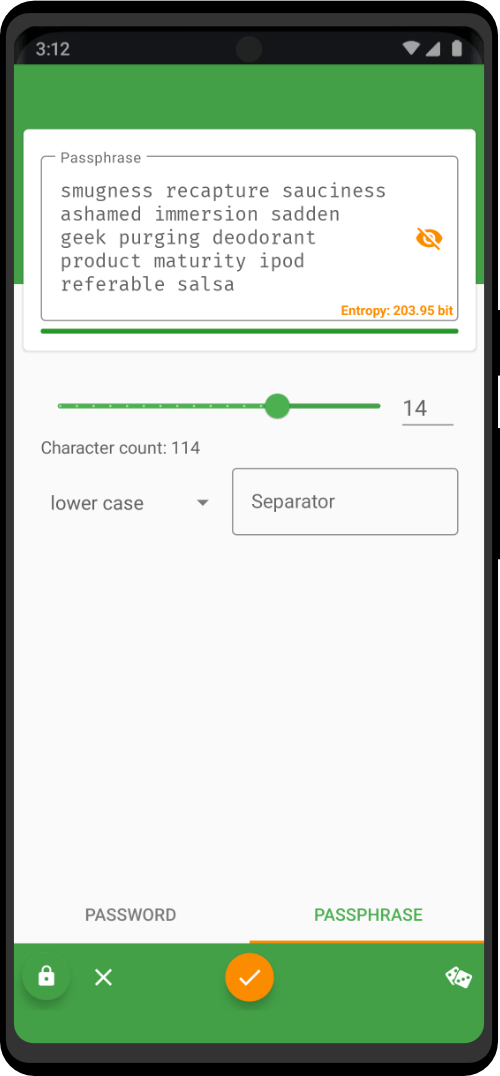
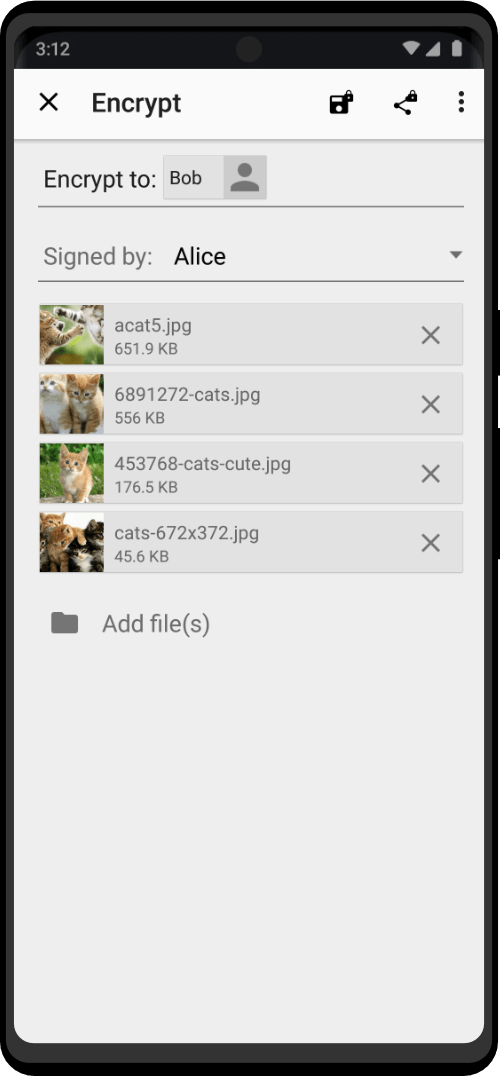
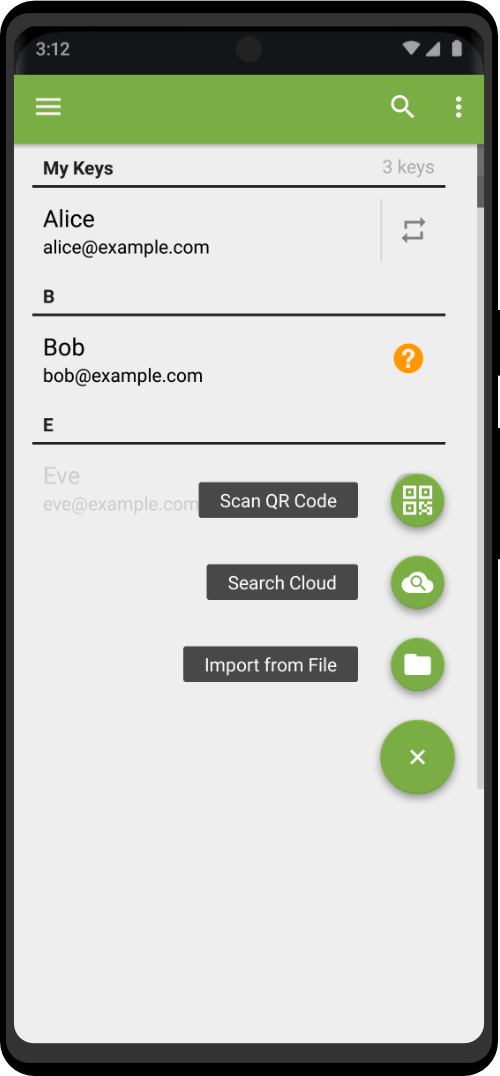
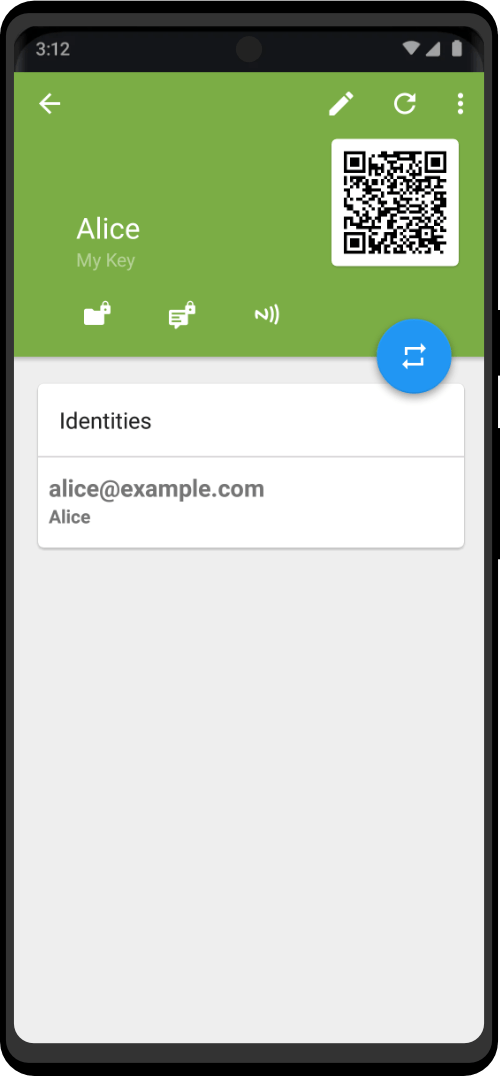
Manage OpenPGP certificates, encrypt or decrypt files and text, create signatures, and verify signed material through a graphical certificate workspace.
Secrets password manager application icon
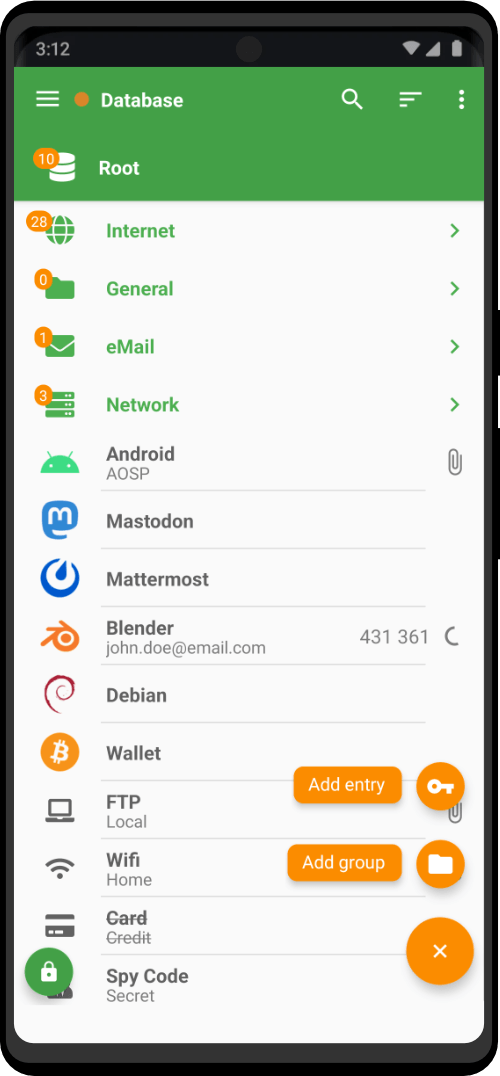
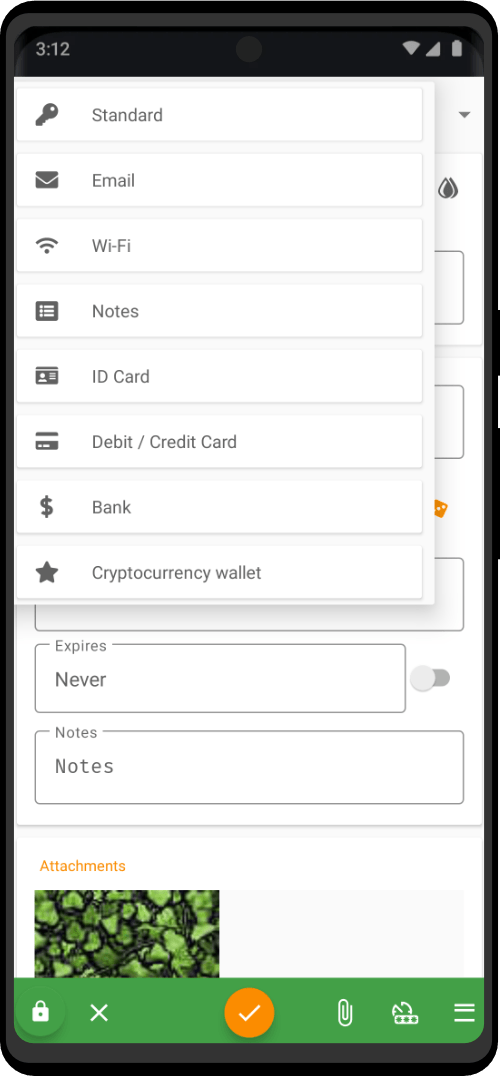
Store account credentials, URLs, notes, and attachments in KeePass-compatible encrypted databases with search and password-generation tools.
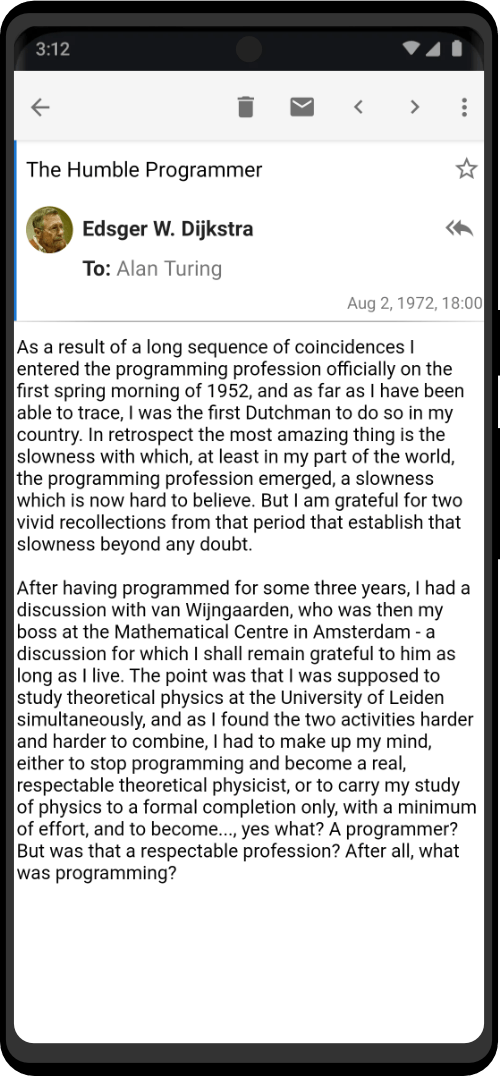
Manage research email, calendars, contacts, and tasks in one desktop application, including separate accounts or a unified inbox.
Keep XMPP and IRC conversations available in one desktop client while coordinating research across separate chat networks and accounts.
02 / 07 TOOLS

Files & Integrity

Inspect what came in, verify it, remove exposed metadata, organize it, and unlock protected storage when you are authorized to do so.
Package research files into compressed archives, inspect downloaded bundles, and extract selected materials while keeping case folders organized and portable.
Organize case folders, search local or network storage, manage removable media, and launch documents or scripts from one integrated file browser.
Unlock an existing VeraCrypt-encrypted file container or partition, then open its contents in the file browser for authorized review.
Inspect storage health, partition or format approved media, benchmark drives, and create USB images before maintaining an offline toolkit.
Digitize paper notes, receipts, reference pages, and supporting records, then crop, rotate, print, or export scans as PDFs or images.
Capture a window, selected area, or full screen to document settings, errors, research steps, and reproducible troubleshooting evidence.
03 / 08 TOOLS

Documents & Office

A complete offline workbench for reading, writing, translating, calculating, diagramming, publishing, and packaging operational material.
Open, search, and annotate PDF, DjVu, TIFF, or comic-book documents when reviewing manuals, reports, saved pages, and reference packets offline.
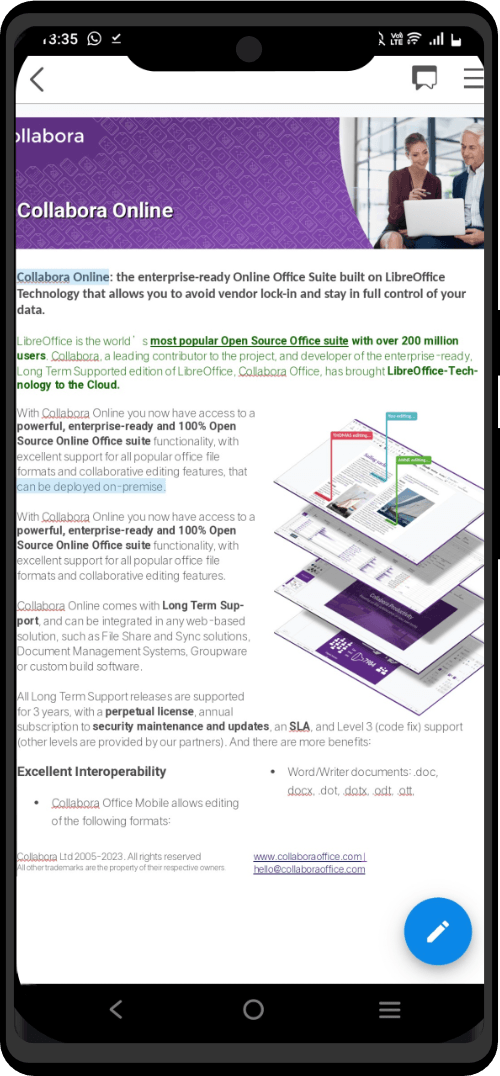
Draft reports, analyze tables, build presentations, and create diagrams with one integrated office suite for documentation, planning, and offline project work.
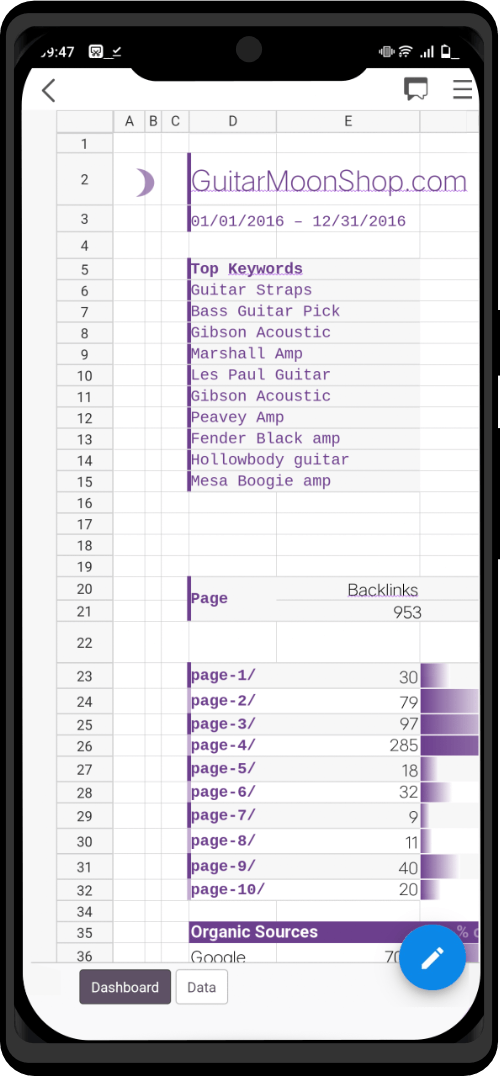
Track equipment, compare services, calculate budgets, and organize research in spreadsheets with formulas, charts, sorting, and structured tables.
Map workflows, sketch network layouts, create flowcharts, and assemble printable diagrams for setup guides, troubleshooting notes, and operational planning.
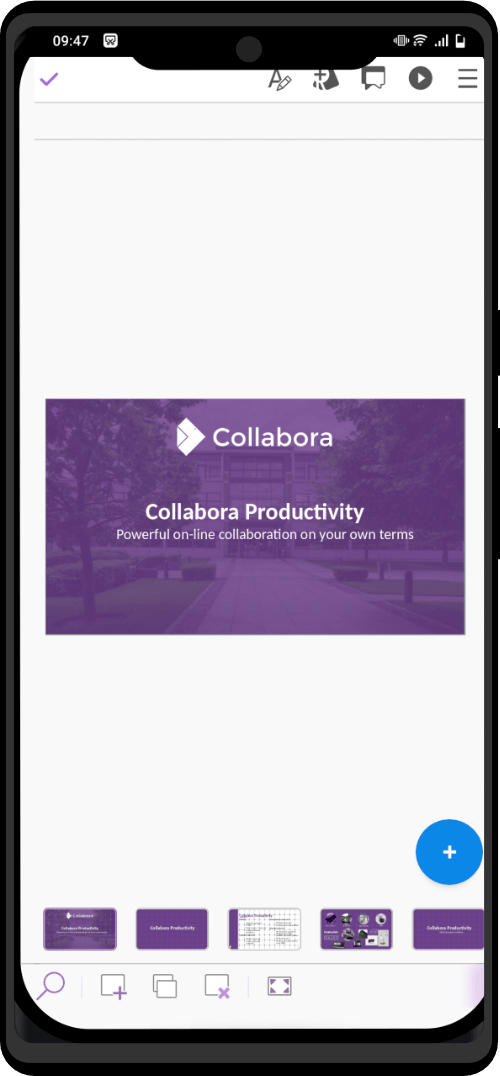
Build training decks, project briefings, and visual walkthroughs with text, diagrams, media, transitions, speaker notes, and presenter tools.
Write setup guides, checklists, reports, and printable reference sheets with structured headings, tables, images, styles, and PDF export.
Rearrange PDF pages into printable booklets or compact handouts for offline field guides, reference packets, and training materials.
Open and edit plain-text notes, configuration files, copied indicators, and research drafts without adding document formatting or proprietary file structure.

04 / 08 TOOLS

Media & Creative

Capture, inspect, edit, convert, and package images, audio, video, and disc media without handing the workflow to a browser tab.
Record, trim, clean, and export narration or captured audio for research briefings, evidence notes, and media prepared for controlled sharing.
Edit screenshots and imagery, crop unneeded surroundings, adjust colors, build layered graphics, and export web-ready assets without relying on an online editor.
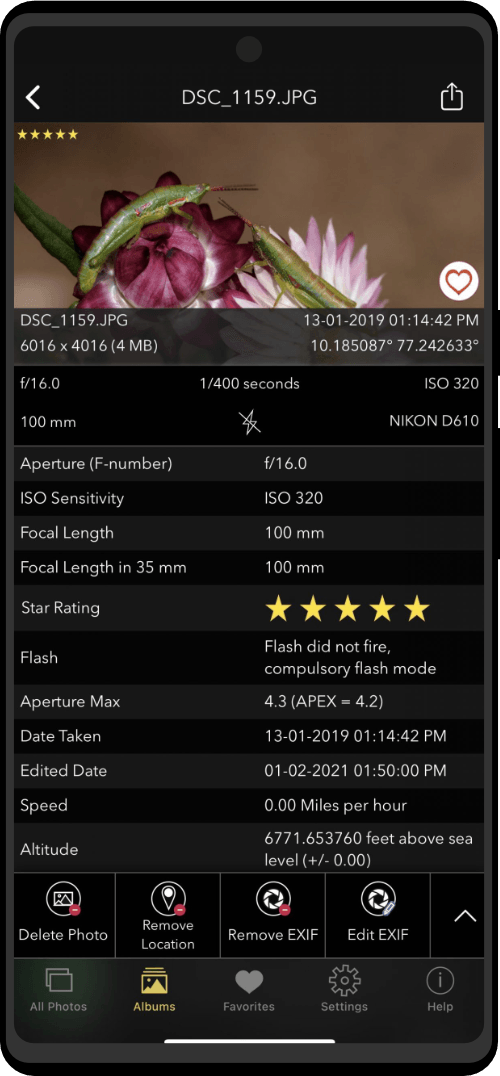
Quickly inspect screenshots and reference images, review metadata, zoom for detail, and make simple crop, rotation, or flip corrections.
Create scalable icons, diagrams, labels, and printable reference cards in SVG, then export polished graphics for guides or physical toolkit materials.
Convert audio CD tracks into local files for offline review, archival, or listening during research sessions without relying on streaming services.
Capture spoken notes, interview reminders, or ambient observations as local audio files, then replay them while organizing a research case.

Celluloid media player application icon
Play downloaded video and audio files locally with subtitle support, playlists, playback-speed controls, and a clean interface built around MPV.
Write approved datasets, audio, or disc images to CD or DVD, duplicate discs, and verify media for offline transfer or archiving.
05 / 05 TOOLS

System & Utilities

Direct controls for calculations, packages, battery diagnostics, accessibility, command-line work, and encrypted error reporting.
Run scientific, financial, programming, and unit calculations for storage estimates, number-base conversions, project budgets, and operational timing.
Inspect, install, upgrade, or remove packaged utilities through a graphical interface when maintaining the workstation and its research toolset.
GNOME Console terminal application icon
Run command-line tools, inspect files, automate checks, and troubleshoot the workstation from a direct shell interface.
Run administrative commands carefully for system maintenance, service checks, log review, and configuration changes that require elevated privileges.
Prepare and send an encrypted diagnostic report over the Tor network when a toolkit component fails and maintainers need technical diagnostics.
BUILT INTO THE WORKSPACE

Every Model Includes

Each setup includes core privacy tools, open source software, local language support, and guided resources for ongoing use.

Bitcoin Ready

Open Source Software

Built-in Translator

Documentation & Video Tutorials

Unlimited Customizations

Security Updates

Zero Trace
0
[affiliate_registration]
Shopping cart